
Free Android TV launcher
Hearth: a calm home screen for your TV
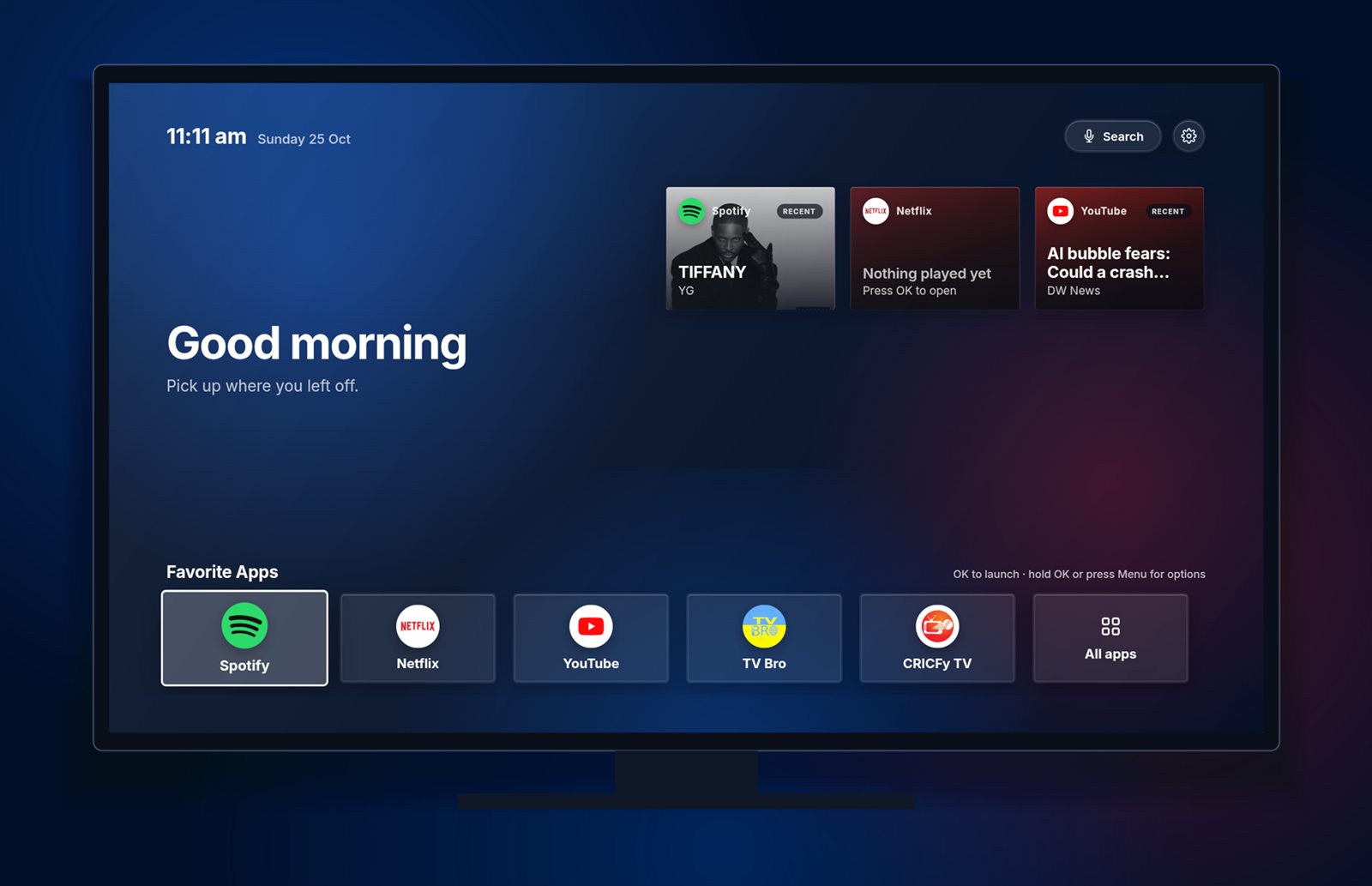
A minimalist launcher for Android TV and Google TV. Your favorite apps, what you were just playing, and nothing else. Free, with no ads and no account.


What you get
Everything you need, nothing you don’t
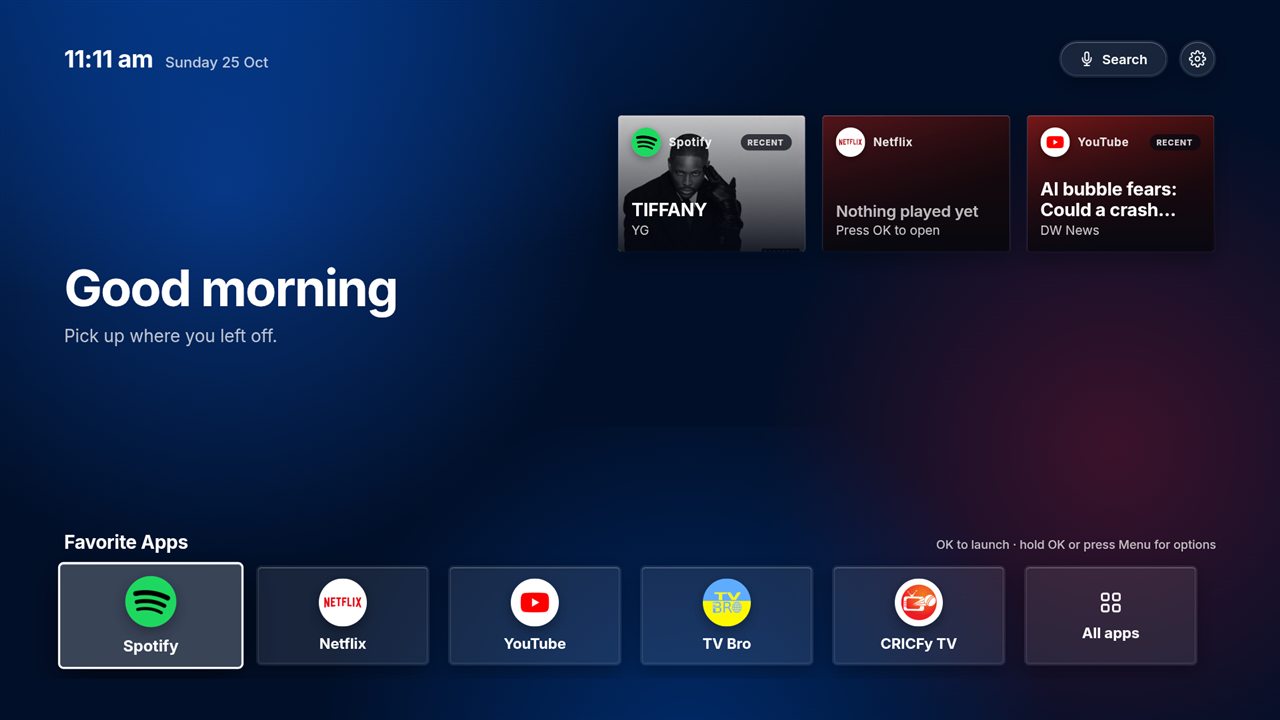
Spotify, Netflix and YouTube show what is playing right now, with cover art. When nothing is playing, each card keeps the last thing you watched or listened to.
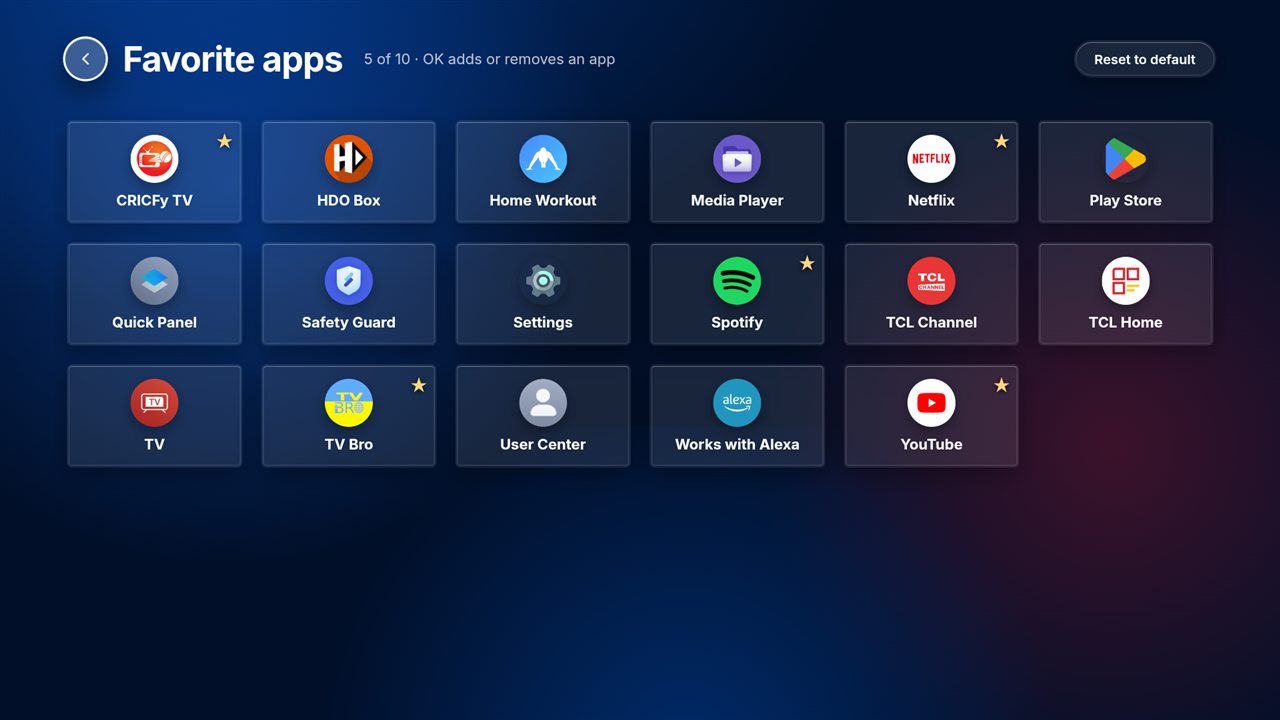
Put the apps you use most on one calm home row. Add, remove and reorder them from the remote, up to ten.
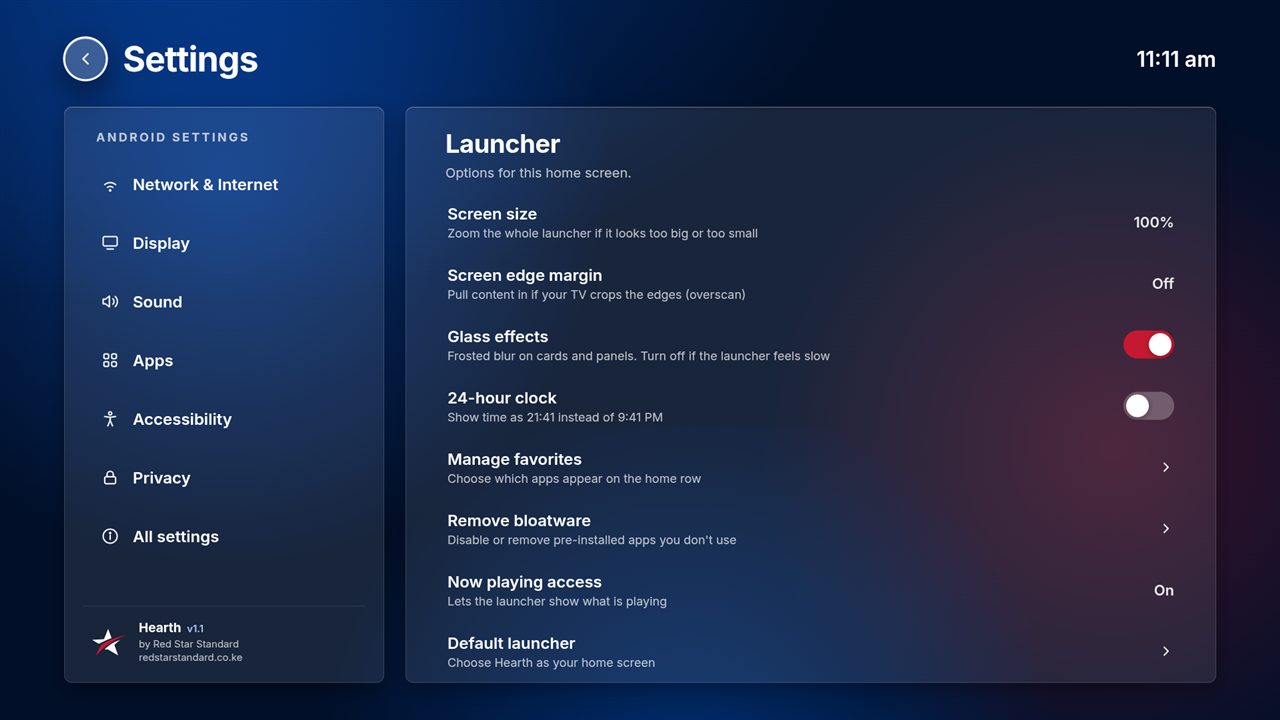
Navy surfaces, soft light and a clear focus outline that is easy to follow from the sofa. Turn the blur off if your TV is slow.
Find pre-installed apps, disable them, or uninstall the ones you added. Core system apps are protected.
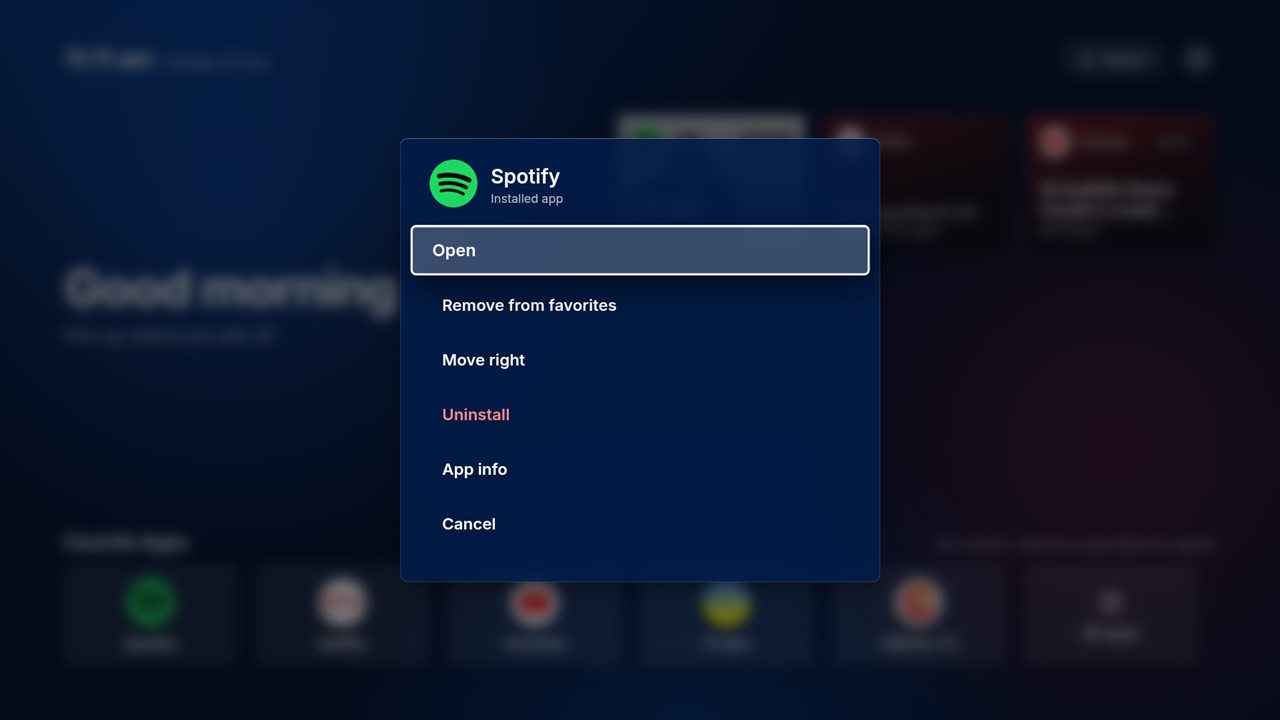
Hold OK or press Menu on any app for options. Voice search, a 4K-ready layout and overscan controls for TVs that crop the edges.
No account, no ads and no analytics. Settings stay on your TV. The whole app is about 1 MB.
Screenshots
Designed for the remote, readable from the sofa
Install
Up and running in about five minutes
- 1 Get the APK Download it here, or enter the link in the Downloader app on your TV.
- 2 Install it Allow “unknown sources” for the app you installed from, then tap Install.
- 3 Make it home Open Hearth once and choose it as your home app.
- 4 Make it yours Pick your favorite apps and switch on now-playing access in Settings.
Install the free Downloader app, allow it to install unknown apps, then enter this page’s APK link. No computer needed.
Enable Developer options and USB or network debugging on the TV, then run adb install -r Hearth.apk.
Copy the APK to a USB drive, plug it into the TV and open it with a file manager app such as X-plore.
Full instructions, ADB commands for stubborn TVs and the source code are on the project page.
Questions
Good to know
Is Hearth free?
Yes. It is free to download and use, with no ads, no account and no subscription.
Which TVs does it work on?
Android TV and Google TV devices running Android 7.0 or newer. It has been tested on a TCL Google TV running Android 12. Some TV brands and Fire TV builds restrict third-party home screens, so results can vary.
Why do I have to allow “unknown sources”?
Hearth is distributed as a direct download rather than through an app store, so Android asks you to confirm that you trust the source. You can switch the permission off again after installing.
How do I make it my default home screen?
Open it once. It offers to become your home app; choose Hearth and “Always”. If your TV insists on its own launcher, the project page lists the ADB commands that work on stubborn TVs.
Why do the Spotify, Netflix and YouTube cards need “now playing access”?
Android only shows what other apps are playing to apps you explicitly allow. Turn it on in Hearth under Settings, Now playing access. Hearth never reads your notifications; it uses the access only to read media sessions.
Will the cards show my watch history or “continue watching”?
No. Android only exposes what an app is playing or has paused right now, so the cards remember the last item Hearth saw. Pressing a card opens the app, not the specific video.
Can I remove apps that came with my TV?
You can disable most of them from Settings, Remove bloatware. Android does not let any normal app delete pre-installed apps, so Hearth opens each app’s info page and shows the one-line ADB command for full removal.
How do I uninstall it?
Open Android Settings, Apps, Hearth, Uninstall. Your TV falls back to its original home screen.
Who makes it, and can you build something similar for my brand?
Red Star Standard, an AI consultancy and AI-driven software team in Nairobi. We build custom TV launchers, mobile and web apps. Book a free consultation to talk about your idea.
Free · 30 minutes · No obligation
Let’s put AI to work in your business.
Talk to a Red Star AI consultant. We’ll review your goals and suggest 2–3 practical next steps, free.